Streamline workflows, boost compliance, and get more value from your company documents. Here are the best document management systems available today, along with their features, pros and cons, and use cases.

For many organizations, their document problems stem from control issues: outdated policies, misfiled records, and process bottlenecks that turn everyday work into a scavenger hunt.
This is where document management systems earn their keep.
A DMS provides the permissions, tracking, retention controls, and workflow automation that basic cloud storage and content management systems aren’t built to provide. Today, these systems are more powerful than ever: you can capture data instantly, set and forget filing rules, and use AI tools to analyze and surface insights from your content—without compromising governance.
But which option is best for your needs? In this guide, we’ll break down the 10 best document management systems for 2026, so you can confidently choose a system that fits your processes, your compliance needs, and your tech stack.
A document management system (DMS) is a centralized platform that helps your organization store, organize, secure, and retrieve digital files across teams, departments, and locations.
An advanced DMS includes capabilities like:
Many organizations opt for cloud storage tools and document collaboration platforms rather than a dedicated DMS. These tools are useful for sharing, but they’re not designed to provide document governance (retention rules, defensible audit trails, structured records management) or end-to-end process automation—which is where a DMS shines.
That difference becomes painfully obvious the moment you’re audited, need to prove control, or have to scale document-heavy processes.
If your organization deals with contracts, HR paperwork, invoices, regulated records, SOPs, or customer files, a DMS can deliver fast wins:
Full-text and metadata search reduce “Where is it?” questions and eliminate bottlenecks in document-heavy workflows.
Encryption, role-based access controls, and audit trails help you enforce internal policies and meet external requirements.
Shared workspaces and standardized workflows make collaboration smoother—without sacrificing visibility, control, or accountability.
Workflow automation replaces manual, paper-based handoffs with consistent, trackable processes—so fewer things slip through the cracks.
Choosing the best document management system isn’t about picking the most popular brand. It’s about matching capabilities to your reality.
Start with how and where your documents are stored. Are they in mixed drives, physical file cabinets, or off-site storage? Consider who has access and where the risks are.
Then, identify your high-impact processes, like contract management, accounts payable, onboarding and employee lifecycle documents, or SOPs. Factor in any regulatory or operational requirements (legal, financial, healthcare, manufacturing, public sector) where retention policies, auditability, and access controls aren’t optional.
Prioritize the features that create compounding returns for your specific departments and teams. Full-text and metadata search, for instance, helps you retrieve files fast no matter how their data is structured (useful for non-standard files like loose research and notes). Workflow automation and approvals turns tedious AP processes into smooth, trackable flows. Mobile access might be critical if you have employees in the field.
Choose based on IT policy, data residency, and governance needs. Look for role-based access, encryption, auditing, and strong backup/recovery practices.
Scalability also matters. Licensing, onboarding experience, and how well the platform supports growth across departments.
This list includes a mix of purpose-built DMS platforms plus a few content/collaboration suites that many organizations use as “good enough” document hubs—along with the tradeoffs you should understand before committing.
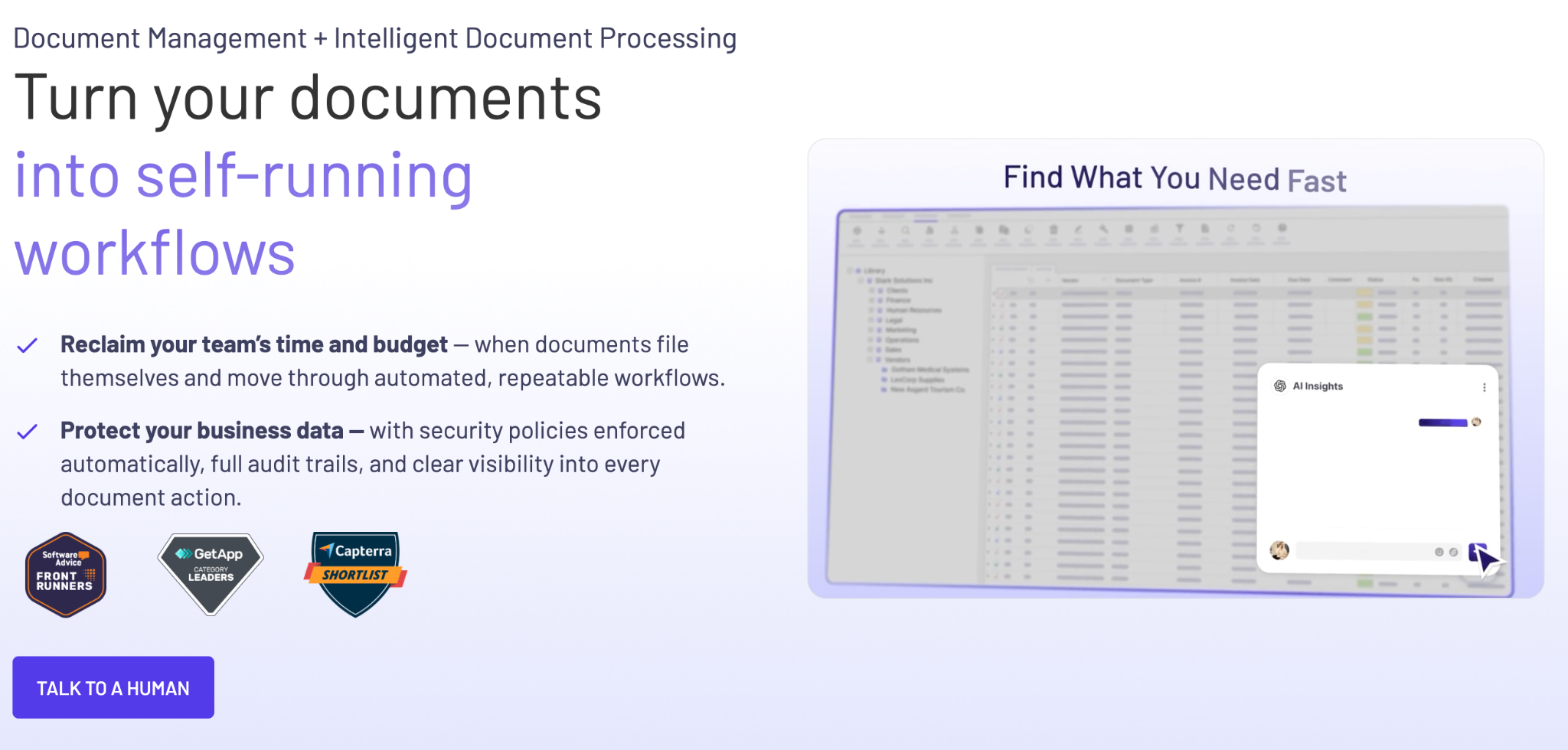
DocuXplorer is a flexible, enterprise-ready document management system built for organizations that need strong security, powerful search, and workflow automation—but don’t want to spend months (or a year) guessing their way through implementation.
DocuXplorer doesn’t just hand you software and wish you luck. It’s designed to be a hands-on partnership: experts help you translate your actual processes (like AP, HR onboarding, contracts, etc.) into a system that’s organized, searchable, and scalable from day one. That matters because most DMS failures stem from poor setup, inconsistent standards, and slow adoption.
DocuXplorer’s core strengths include:
Pros
Cons
Best for: Teams that need a secure, scalable DMS and want a real partner to help implement it correctly—without months of uncertainty, rework, or stalled adoption.
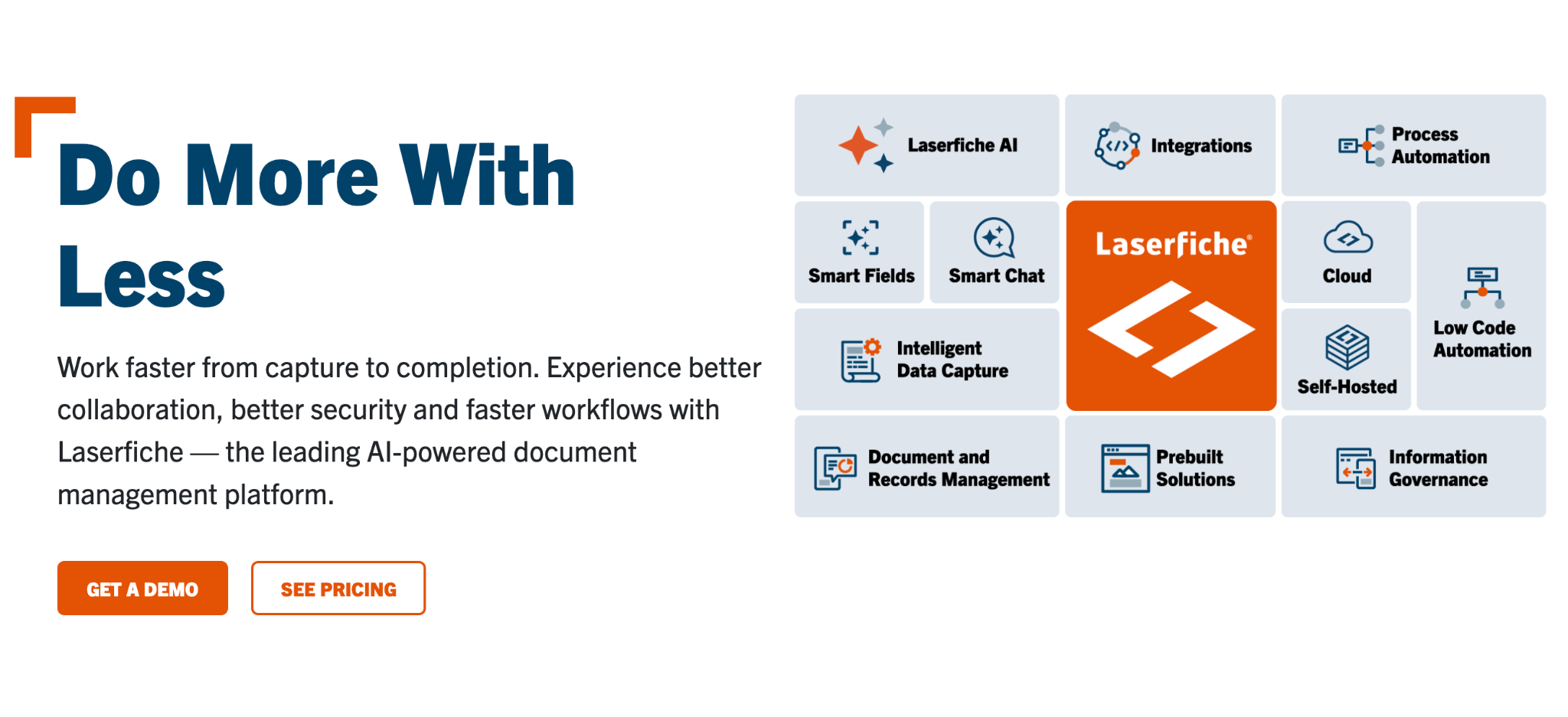
Laserfiche is known for pairing document management with workflow automation, e-forms, and records management.
Pros
Cons

DocuWare is a popular choice for organizations trying to eliminate manual handling in finance and HR, especially around invoice processing, approvals, and employee documentation.
Pros
Cons
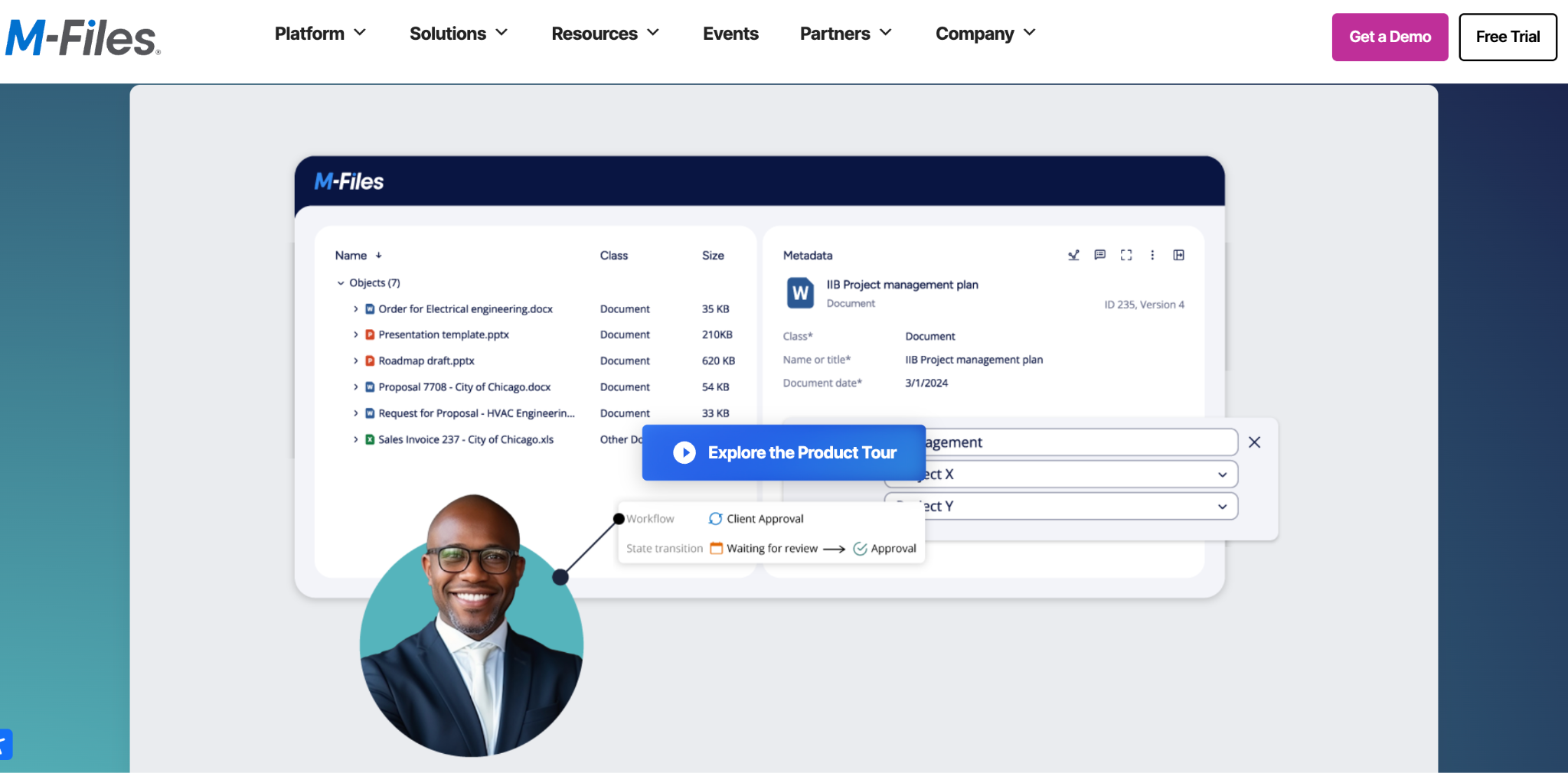
M-Files is built around the idea that people should find content by what it is, not where it was filed. Instead of relying on folder hierarchies, M-Files emphasizes metadata and context.
Pros
Cons
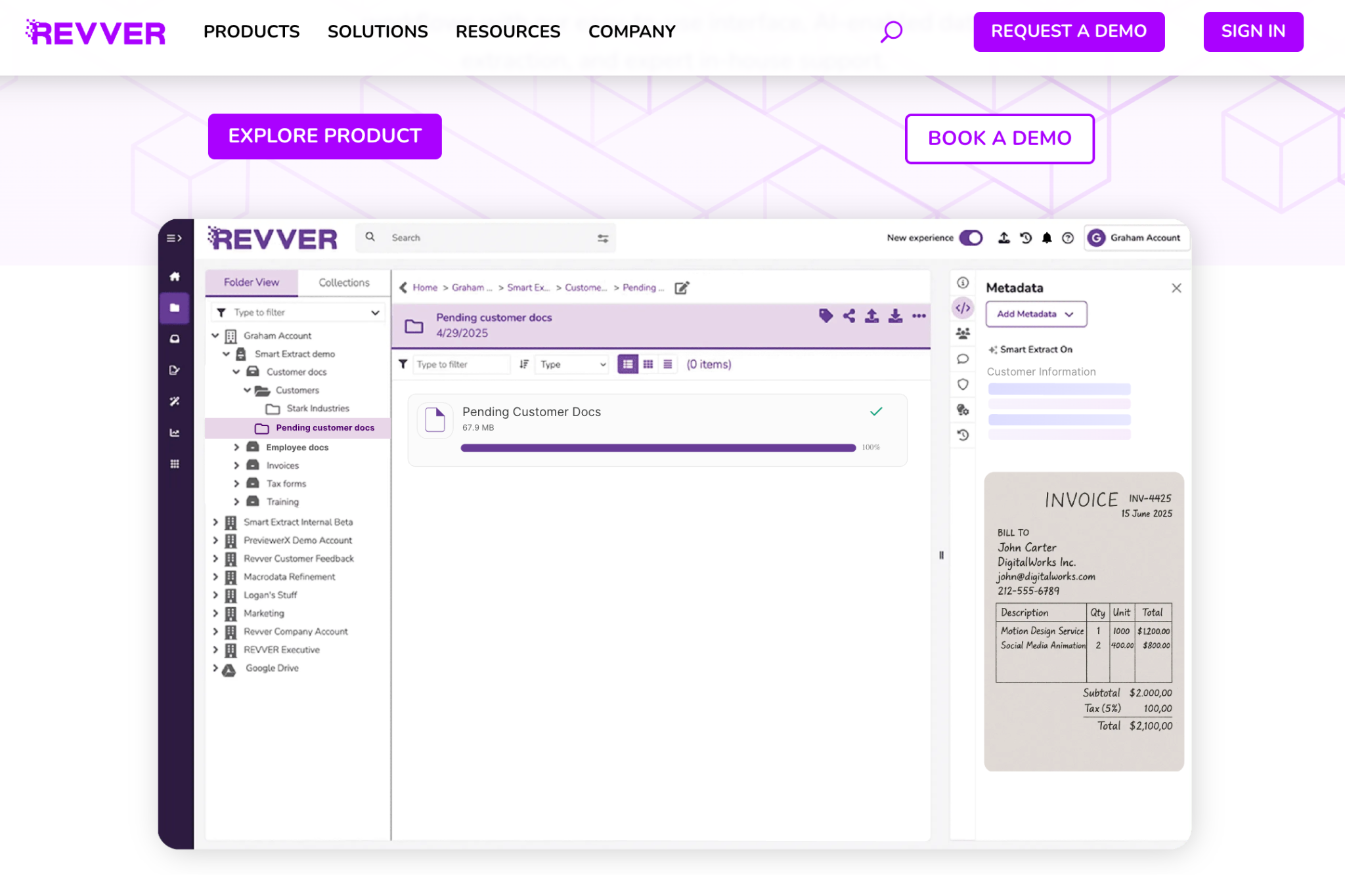
Revver (formerly eFileCabinet/Rubex) focuses on helping small and midsize businesses get up and running quickly with practical DMS features and approachable workflow automation.
Pros
Cons
Read how DocuXplorer and Revver compare in their features and capabilities.
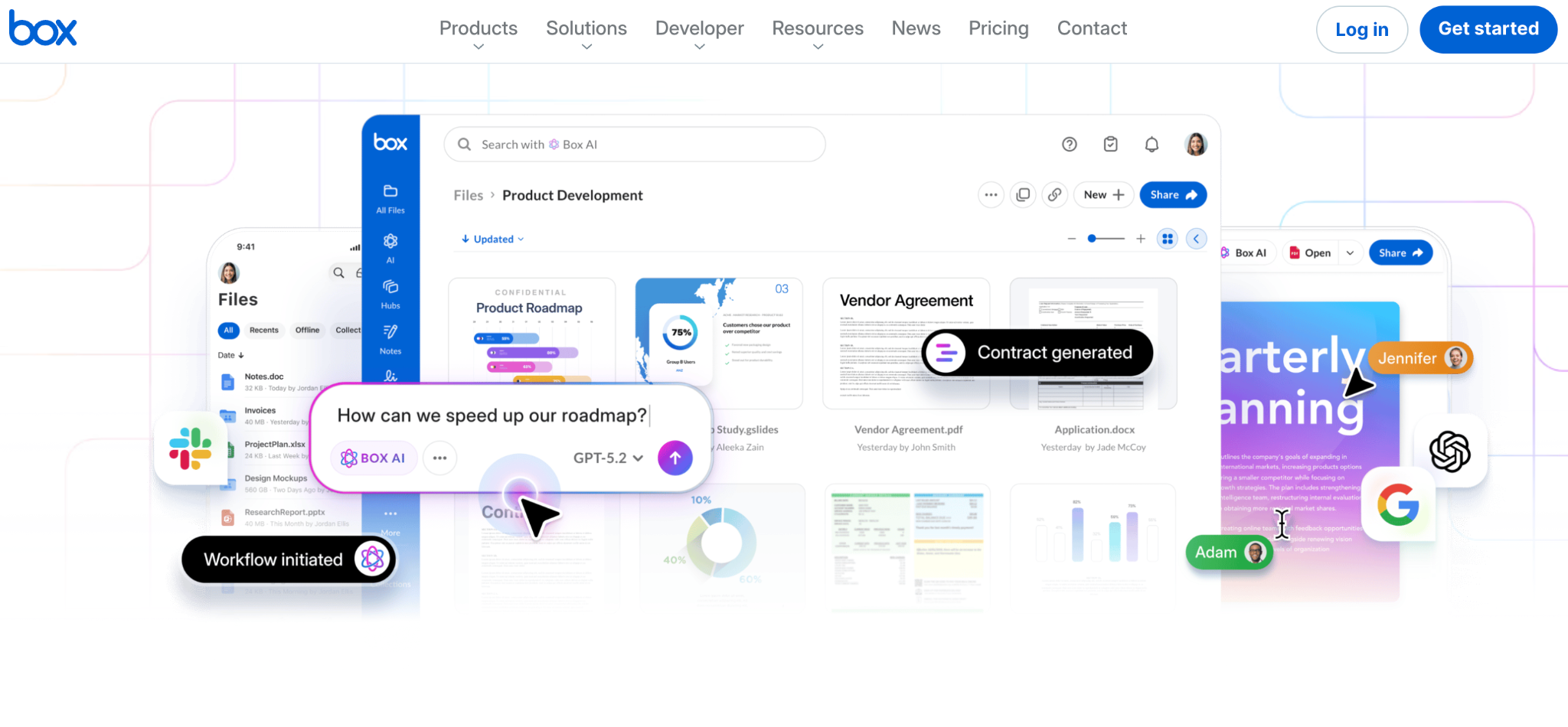
Box is widely used as a secure cloud content hub with extensive integrations, collaboration controls, and built-in e-signature options.
Pros
Cons
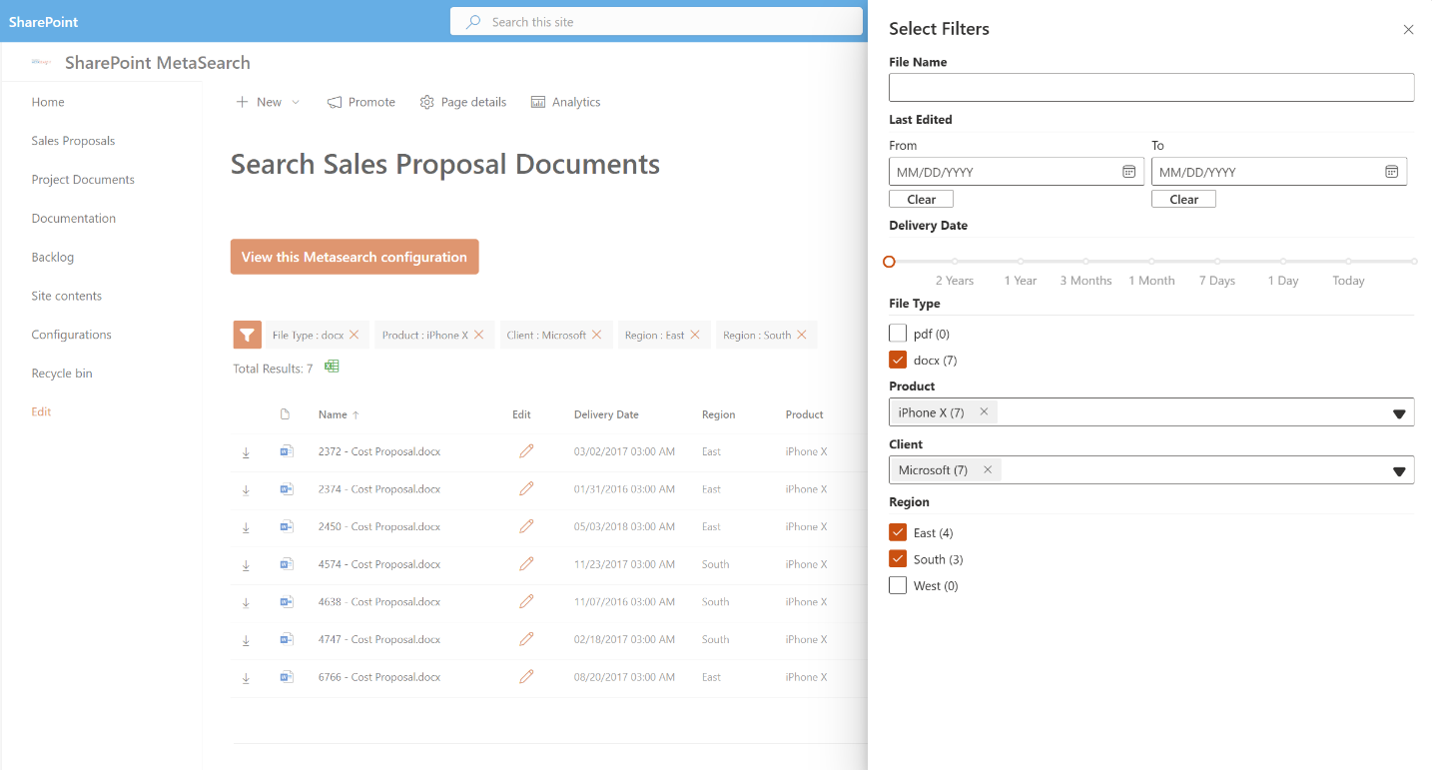
SharePoint is often the default “document platform” for organizations already invested in Microsoft 365. It can work well for collaboration in document libraries—especially when governance needs are moderate, and Microsoft is the center of your stack.
Pros
Cons (where it can fall short vs. a dedicated DMS)
Read how DocuXplorer compares to Microsoft SharePoint for document management.
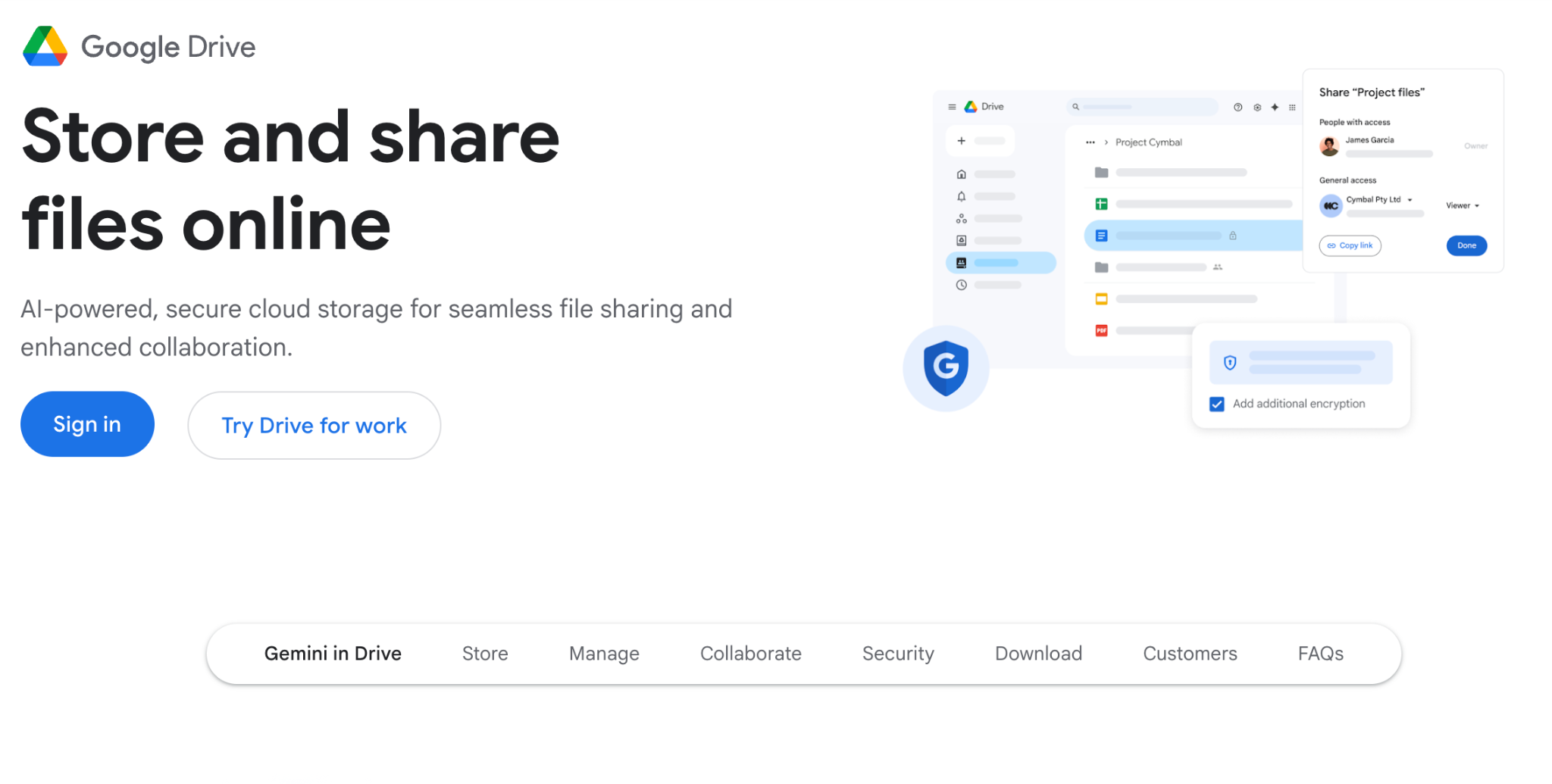
Google Workspace shines for real-time collaboration (Docs, Sheets, Drive, Shared Drives). It’s often a great productivity layer—but it’s not a full DMS for organizations that need structured document governance and lifecycle automation.
Pros
Cons
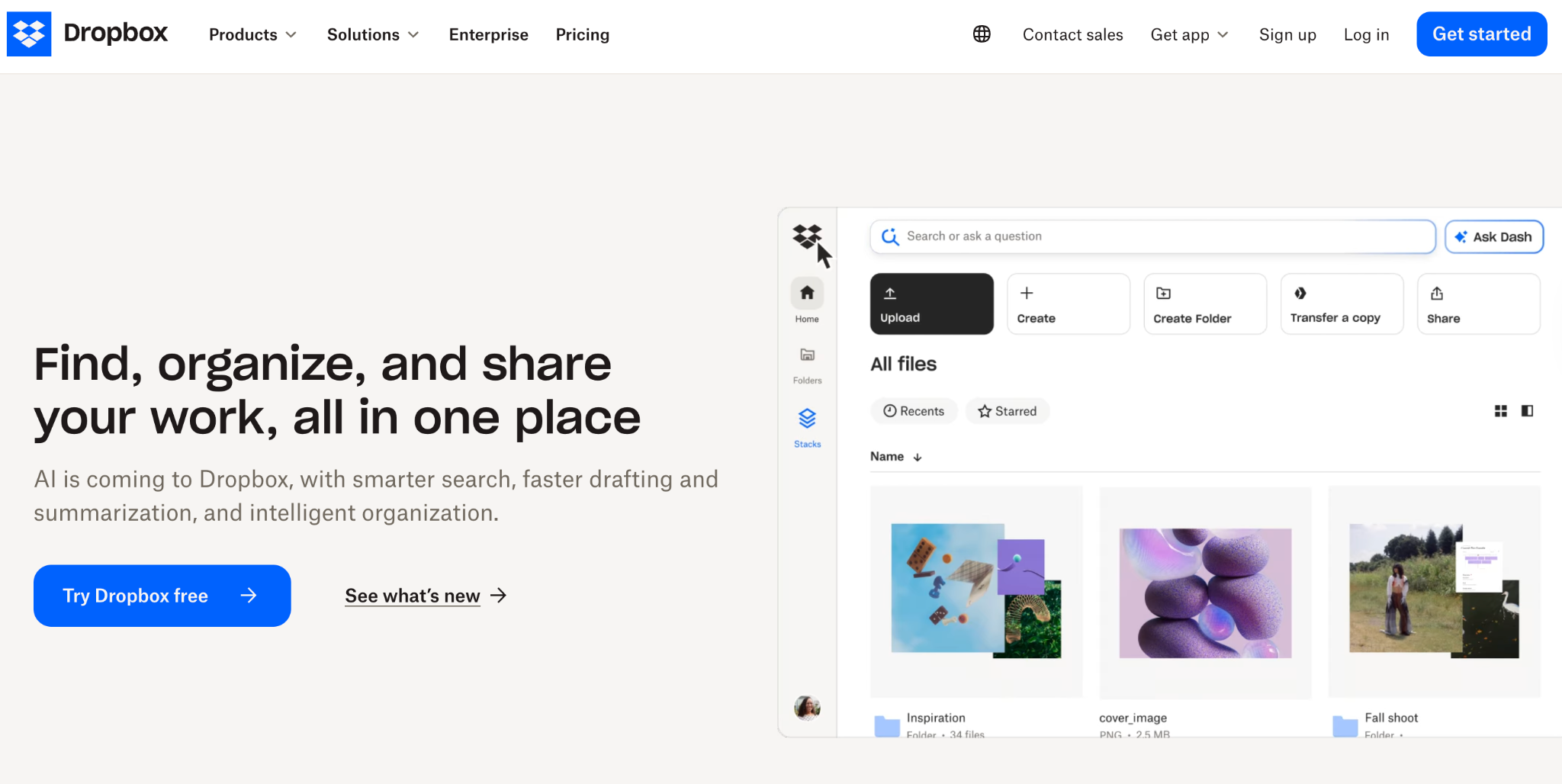
Dropbox is a familiar option for teams that want clean syncing, simple sharing, and basic admin controls—without a heavy lift.
Pros
Cons
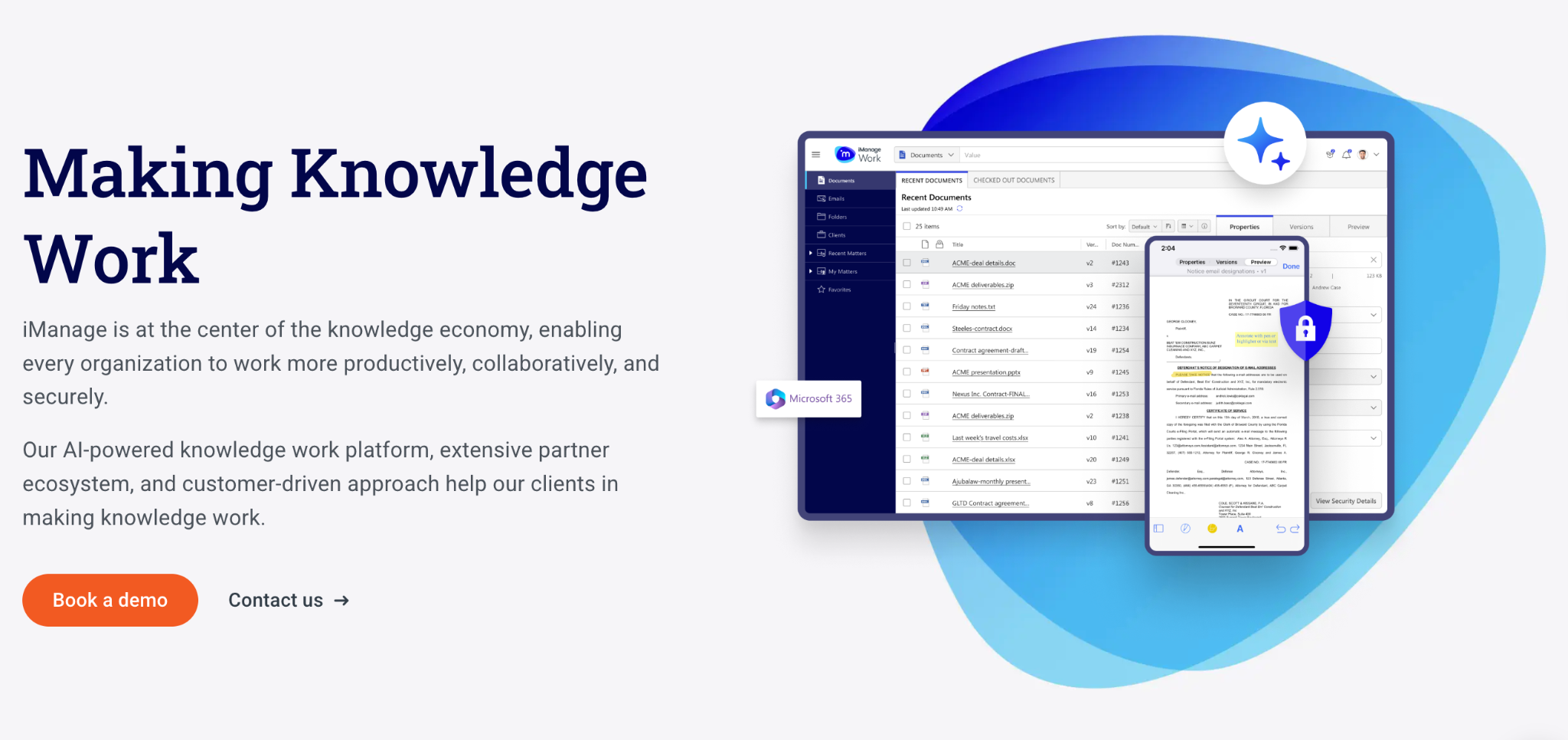
iManage Work is purpose-built for organizations where matters, confidentiality, and defensible governance are essential—especially law firms and professional services.
Pros
Cons
The best document management system for you is the one that matches your risk profile, document volume, process complexity, and integration reality.
DocuXplorer is especially compelling for teams that need to keep sensitive data under tight control while still getting modern “ask your documents” functionality, robust capture, and workflow automation.
If you’re serious about improving document security, retrieval, and workflow efficiency in 2026, schedule a DocuXplorer demo and map your highest-impact process (AP, HR onboarding, contracts, compliance records) to an automated, searchable, permission-controlled system—so your documents start working for you, not against you.